
Early access
Free for your whole team
Everything that works today, with no card on file.
- Projects & tasks
- Dashboard
- Chat
- Contacts
- Appointments
- Billing
- Files
- Settings
- Custom apps
Early accessFree while we build with our first software teams
Plan releases, assign work, review it before it ships and track time against estimates. Attors keeps projects, reviews, time and team chat in one workspace.
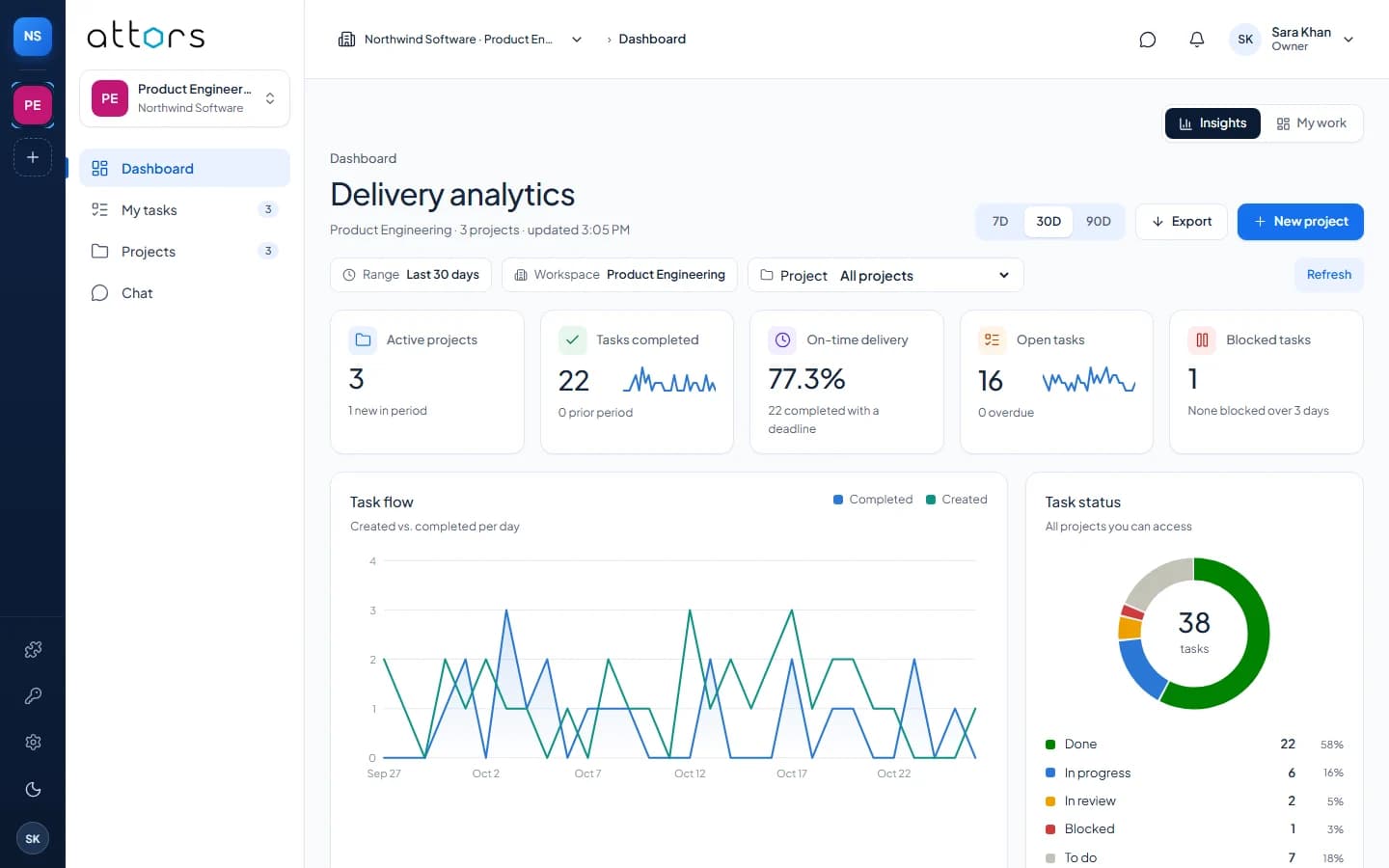
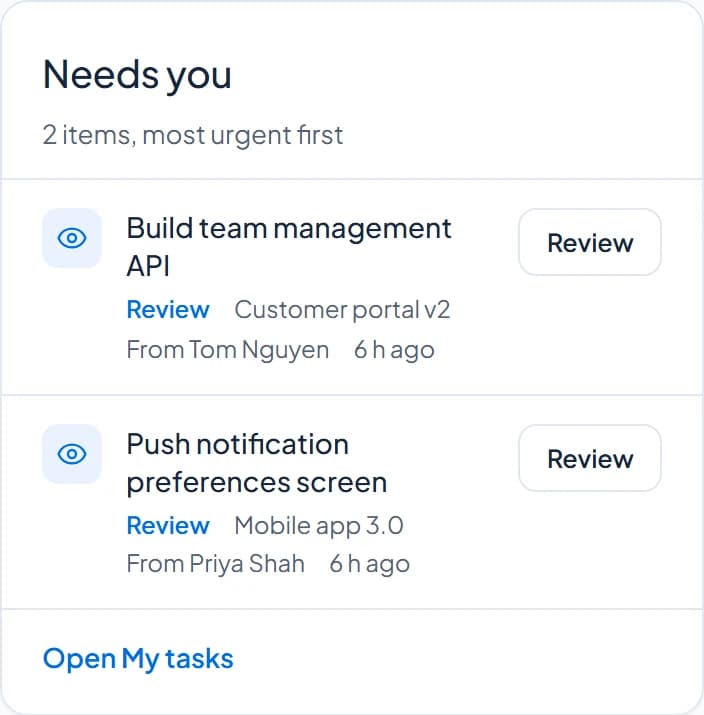
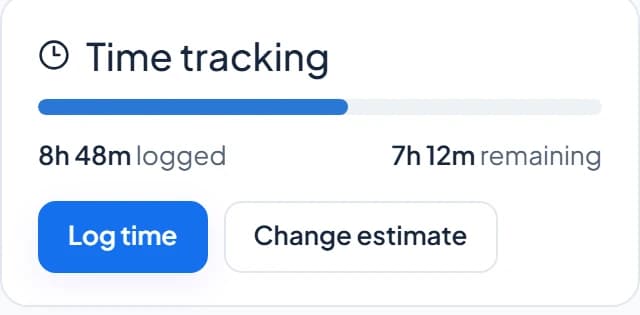
List, board, timeline, backlog and time stay in sync.
Work is approved or sent back, never silently closed.
Hours are logged on the task they belong to.
People see only the projects they are assigned to.
Follow a project from the first task to the release, with the numbers to show how it went.
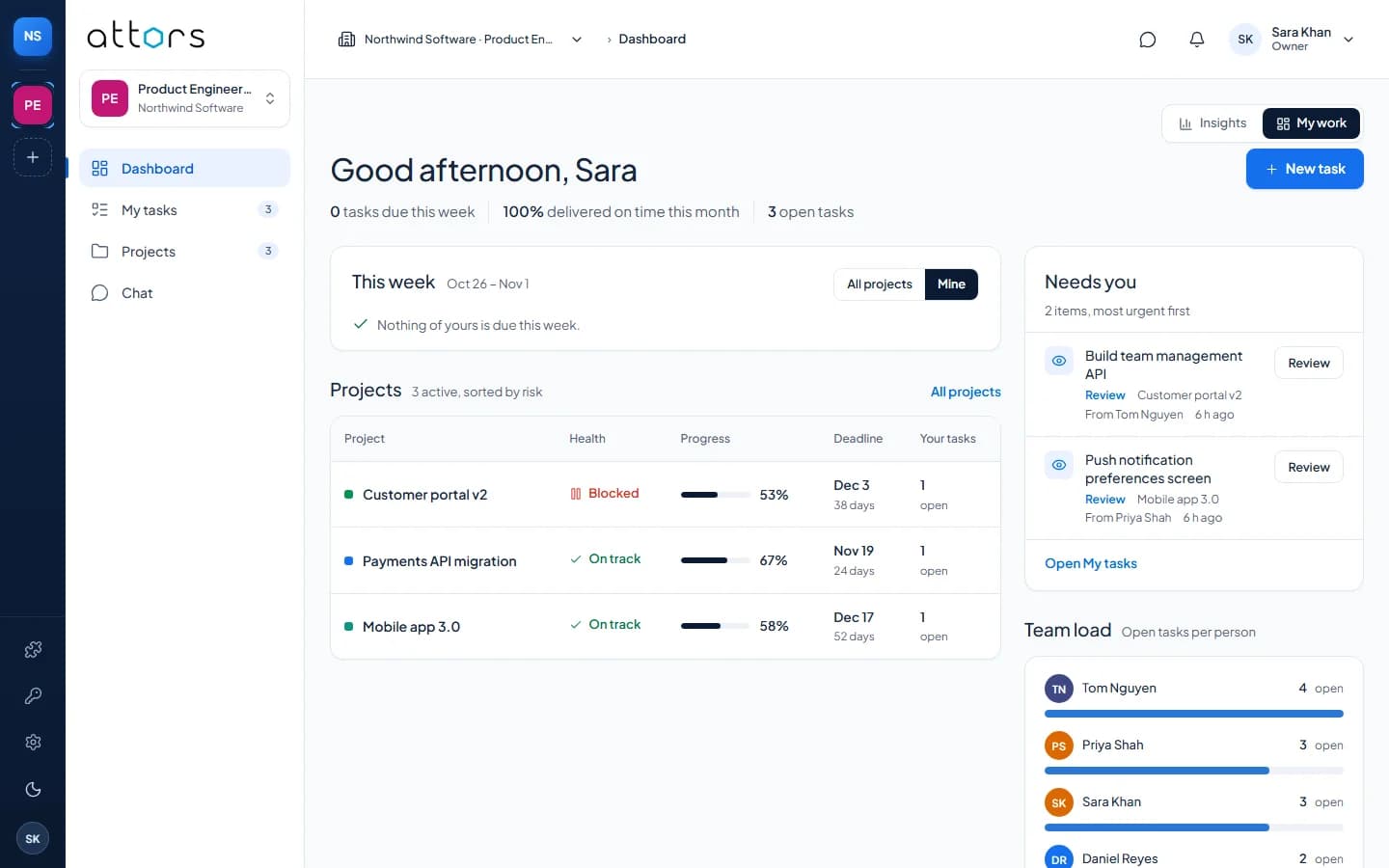
Start with projects and chat. Add client, team and platform apps from Settings → Apps whenever you need them, without moving any data.
List, board, timeline and backlog views with owners, deadlines, comments, reviews and time on every task.
DeliveryMy work for each person and Insights for leads: completed work, on-time delivery and task flow.
DeliveryDirect messages and group conversations with the people in your workspace.
TeamRecords for the customers you build for, searchable, with their history.
ClientsBook time with people on your team, with check-in and no double-booking.
ClientsInvoices for your contacts with line items, due dates and payment status.
ClientsShare documents and images with the workspace, attached to a contact when it helps.
ClientsWorkspace details, people, roles and which apps each workspace uses.
PlatformUpload a private app for your team. It runs sandboxed and sees only what an admin approves.
PlatformCheck-in, leave and attendance records for your team.
TeamScheduled and exportable delivery reports for clients and leadership.
DeliveryRecurring work and rules that assign tasks for you.
DeliveryDaily and weekly timesheets built from the time logged on tasks.
TeamReusable teams and weekly capacity, so plans match who is free.
TeamPackage a private app for your team and upload it in Settings → Apps. It runs in a sandbox and asks for permissions before it goes live.
Create an account to startNo sales call and no setup project. Every step happens inside the product.
Sign up and verify your email. It takes about a minute.
Projects, time on tasks and chat are switched on for you.
Give each person a role in the workspace and its projects.
Assign work, follow it through review and watch delivery in Insights.
Access rules live on the server. The browser only shows what the server has already decided you may see.
Verified email, passkeys and authenticator-app codes. Sessions can be reviewed and ended.
Organization, workspace and project roles decide what each person sees, checked by the server on every request.
Every company’s records are kept apart. A request for another company’s data is answered as if it does not exist.
Uploaded apps run in a sealed frame, see no more than the person using them and only the data an admin approved.
Attors is free during early access. When paid plans arrive, they will be published here first.
Free for your whole team
Everything that works today, with no card on file.
To be announced
Plans for larger teams, including the apps that are still coming. Prices and limits will be published on this page before any billing starts.
Something else? Create an account and look around. Nothing is billed during early access.
Yes, during early access. Nothing is billed today. Prices and plan limits will be published on this page before any billing starts.
Each part of the product, such as Projects & tasks, Chat or Billing, is an app. Admins switch apps on or off for each workspace in Settings → Apps, and data stays put when they do.
The people assigned to it, plus workspace owners and admins. Everyone else in the company does not see it, and the server enforces that on every request.
Yes. Owners and admins can upload a private app. It runs in a sandbox, asks for permissions before it is activated and only sees what the person using it can see.
Yes. Turn on Contacts, Appointments, Billing and Files from Settings → Apps to manage the customers you build for alongside your projects.
Accounts use a verified email address, and you can add passkeys or authenticator-app codes. You can see and end your active sessions.
Create your company, invite the team and plan the first project today.